On this page▾
In most states, no — green P (P2) drivers cannot use Apple CarPlay while driving. NSW and Victoria ban P-plate drivers from using a phone in any way, hands-free included, and CarPlay runs through your connected iPhone. You can still set it all up while parked. Rules differ by state, so check yours.
I ran the numbers on a green-P mate's 2019 Mazda3. It has wireless CarPlay built in. He is on his P2 in Victoria. The car is ready; the licence is not. That gap trips up a lot of new drivers, so let's sort out what the law actually says before you plug in.
The 30-second check
Three quick questions tell you where you stand:
- Are your P plates green? That is a P2 licence — still provisional.
- Do you drive in NSW or Victoria? Both ban all phone use for P1 and P2.
- Would CarPlay be running off your iPhone? Then it counts as phone use.
Answer yes to all three and the answer is simple: not while driving. But the picture changes when you park, and it changes again the day you pass off your Ps. Here is the full breakdown.
Get it ready, parked
Line up your CarPlay screen now
You can't drive on it yet — but you can build your widget layout and pick a startup sound while parked, so it's dialled in the day you're off your Ps.

Car Play Connect: Auto Sync
4.6·2,735+ ratings·Free


Step 1: Confirm your licence class
Green P plates mean a P2 licence. Red P plates mean P1. Both are provisional stages that sit between your learner permit and a full, unrestricted licence.
Here is the catch new drivers miss: in NSW and Victoria, the phone rule is the same for P1 and P2. Swapping red plates for green does not lift the restriction. You are still a provisional driver in the eyes of the road rules until you hold your full licence.
Step 2: Check your state's mobile phone rule
This is state law, not a national one, so the exact wording depends on where you drive. The two states people ask about most are NSW and Victoria, and both are strict.
In NSW, learner, P1 and P2 drivers “must not use a mobile phone while driving, even when you’re stationary” — and that applies to phones “handheld, in a phone holder or hands-free, for example, via Bluetooth,” per Transport for NSW. There is no hands-free carve-out for green Ps.
Victoria is just as firm. P1 and P2 probationary drivers must not use a mobile phone of any kind while driving — no hands-free, hand-held, or messaging. Check the current wording on VicRoads before you rely on anything a forum tells you.
Other states set their own rules, and some do differ. If you drive in WA, Queensland, SA, Tasmania, the ACT or the NT, read your own state road authority — do not assume the NSW or Victorian answer applies to you.
Step 3: Why CarPlay counts as using your phone
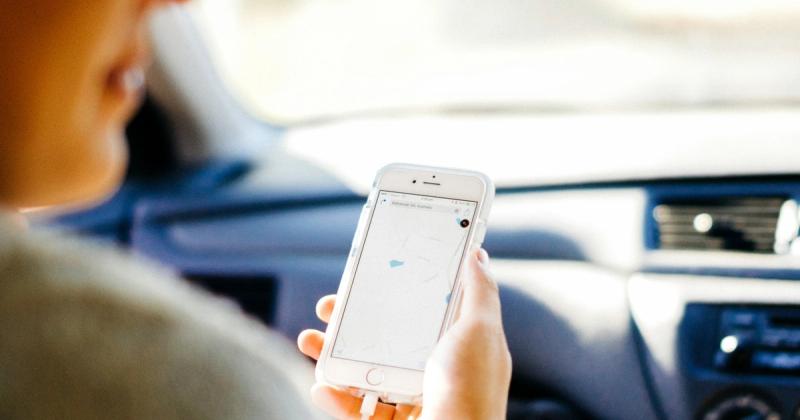
People assume CarPlay is a car feature. It is not. CarPlay is your iPhone projecting onto the car screen. No phone connected, no CarPlay. So when a rule bans “using a mobile phone” in any way — handheld, in a holder, or hands-free — tapping the CarPlay screen or talking to Siri through it is still using the phone.
That is why a green P in NSW or Victoria cannot lean on CarPlay while driving. The car allowing it does not make it legal. This is general information, not legal advice, so confirm the current rule with your state authority. If you are unsure whether your car even has CarPlay, our Mount Mode guide covers older and non-CarPlay vehicles too.
For Teslas and pre-2016 cars
No built-in CarPlay? Use Mount Mode
Mount Mode turns the iPhone into a dashboard with a big GPS speedometer and maps — set it up parked, hand navigation to a passenger, or use it once you're on a full licence.
Car Play Connect: Auto Sync
Free
Step 4: Set CarPlay up while parked
Here is the part that is fully allowed. Every state lets any driver — provisional included — use a phone when parked out of the line of traffic. So do your setup then, not on the move.
Park somewhere safe, connect CarPlay, and get the screen the way you want it. This is where Car Play Connect earns its place:
- Add widgets under Settings → CarPlay → Customize → Widgets, then turn on Car Play Connect. It ships weather cards, clocks, iPhone battery, air quality, year progress and your own photo widgets — see the CarPlay widgets gallery.
- Pick a connection sound so CarPlay chimes your way each time it links. The custom startup sound guide walks through the presets and importing your own clip.
Once it is arranged, the screen simply displays while you drive. You are not touching or operating the phone — it is showing what you set up earlier, parked. Car Play Connect is free to try on iOS 16.3 and up; the full plan is $19.99/year.
Step 5: What changes on a full licence
The restriction is not forever. It lifts when you finish your P2 period and get your full, unrestricted licence.
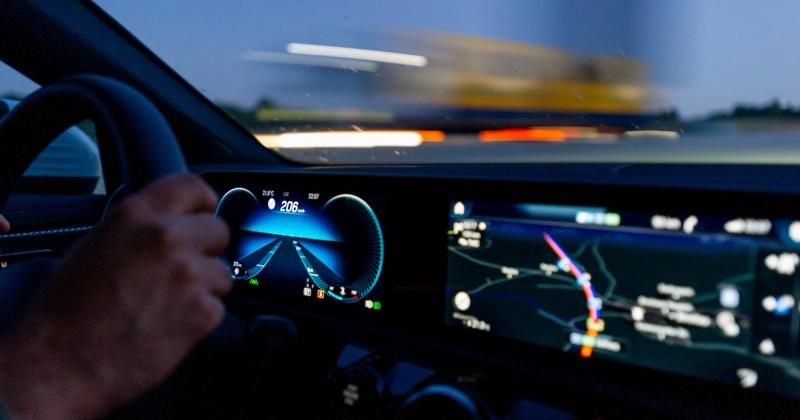
From that point you follow the full-licence rule. In NSW, that means two options: hands-free without touching the phone, or in a cradle for calls, audio and navigation. So CarPlay through the car screen is on the table. Victoria works the same way for full-licence drivers. That is the day the setup you did in Step 4 pays off — the layout and sound are already there, waiting.
P-plate CarPlay rules by state
A snapshot of the states drivers ask about most. Always confirm against your own state road authority, since rules change.
| Licence / state | CarPlay while driving? | Why |
|---|---|---|
| Green P (P2), NSW | No | Total phone ban for L, P1 and P2 — handheld, holder or hands-free |
| Green P (P2), Victoria | No | P1 and P2 banned from any phone use while driving |
| Green P (P2), other states | Check locally | Rules vary — read your state road authority |
| Any P plate, parked | Yes | Phone use is allowed when parked out of the line of traffic |
| Full licence, NSW & VIC | Yes | Hands-free or in a cradle for calls, audio and navigation |
Frequently Asked Questions
Can P platers use Apple CarPlay in NSW?
No. In NSW, learner, P1 and P2 drivers must not use a mobile phone at all while driving — handheld, in a holder, or hands-free via Bluetooth. Because CarPlay mirrors your connected iPhone, running it while driving counts as using the phone. You can use CarPlay when parked out of the line of traffic. Full-licence holders may use it hands-free or in a cradle.
Can P platers use Apple CarPlay in Victoria?
No. Victoria bans both P1 and P2 probationary drivers from using a mobile phone of any kind while driving — no hands-free, hand-held, or messaging. CarPlay needs your phone connected, so it falls under that ban. Set it up parked instead. Once you hold a full Victorian licence, you can use CarPlay hands-free or mounted for calls, audio and navigation.
Is Apple CarPlay illegal?
Apple CarPlay itself is not illegal. For full-licence drivers, using CarPlay through the car's built-in screen for calls, audio and navigation is legal in every Australian state. The illegal part is holding or touching your phone in ways the road rules don't allow. Green P (P2) drivers in NSW and Victoria face a stricter total phone ban that also covers CarPlay while driving.
What is the difference between red and green P plates?
Red P plates mean a P1 licence, the first provisional stage. Green P plates mean a P2 licence, the second stage before a full licence. Both are provisional. In NSW and Victoria, P1 and P2 drivers face the same total mobile-phone ban while driving, so moving to a green P does not unlock CarPlay use behind the wheel.
Can green P platers use CarPlay for navigation only?
Not in NSW or Victoria today. Both states currently ban P2 drivers from using a phone for any function while driving, maps included. Use a standalone GPS unit, or set your route before you drive and follow the voice prompts without touching the screen.
Related guides
- Mount Mode for Tesla and older cars — an iPhone dashboard when the car has no built-in CarPlay.
- CarPlay widgets for iOS 26 — build the screen you'll use once you're off your Ps.
- Custom CarPlay startup sound — set a connect chime while you're parked.
- Lyrics on CarPlay — synced, karaoke-style lines for Apple Music and Spotify.
- All CarPlay guides — the full library.