Add Car Widgets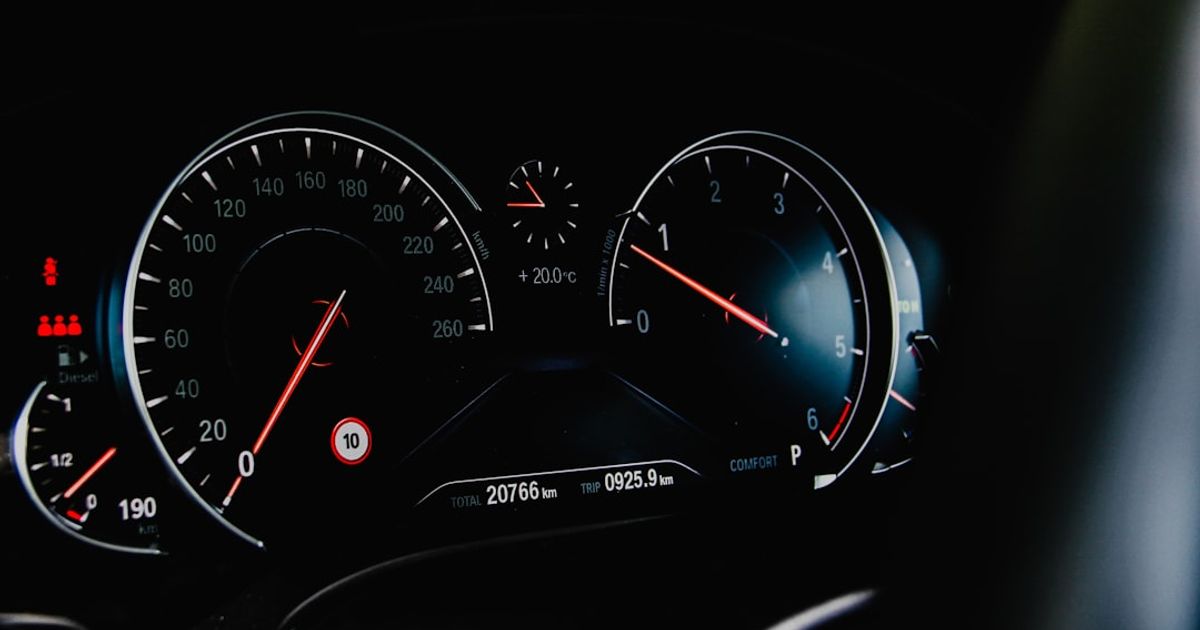
On this page▾
- The 30-second Ultra test
- Step 1: Check if your car supports CarPlay Ultra
- Step 2: Order or update a supported car
- Step 3: Turn on CarPlay Ultra and pair your iPhone
- Step 4: Customize the cluster and controls
- Which cars have Apple CarPlay Ultra in 2026
- Can't get Ultra? Upgrade the CarPlay you own
- Frequently Asked Questions
Quick answer
Apple CarPlay Ultra is the version of CarPlay that takes over every screen in your car — the instrument cluster, gauges, climate, and radio — not just the center display. As of mid-2026 it ships only in recent Aston Martins, with Hyundai, Kia, and Genesis confirmed next. You can't retrofit it: the car has to be built for it.
No Aston Martin? No problem
Get an Ultra-style upgrade on the CarPlay you already drive.
Car Play Connect adds home-screen widgets and a custom startup sound to today's CarPlay screen — weather cards, clocks, car logos and built-in chimes, free to try on the App Store.

Car Play Connect: Auto Sync
4.6·2,735+ ratings·Free


Very few drivers have used Ultra first-hand, so this guide is honest about the line between what Ultra does on the cars that have it and what the rest of us can do today. Where a claim comes from Apple, it says so.
Free browser tool
Does your car support CarPlay Ultra? Check it
The compatibility checker tells you by make and year whether a car has regular CarPlay, wired or wireless — and whether it's one of the few that ship CarPlay Ultra today.
Open the CarPlay compatibility checker →The 30-second Ultra test
Before you read four steps, run one check. Ultra is not a download or a setting you flip on an old car — it's built into the vehicle. Answer these three questions:
- Is your car a 2025-or-newer Aston Martin (DBX S, DB12, or Vanquish), or a Hyundai, Kia, or Genesis model sold after Ultra ships to those brands? If no, you can't run Ultra yet.
- Does your iPhone run a current iOS and is it an iPhone 12 or newer? Ultra needs that.
- Did the car come with (or get a dealer update for) CarPlay Ultra specifically — not just regular CarPlay? Regular CarPlay in a Toyota or BMW is not Ultra.
Three yeses mean the four steps below apply to you. Any no means Ultra isn't on the table for that car — skip to what you can upgrade today.
Step 1: Check if your car supports CarPlay Ultra
Start with the car, not the phone. Ultra needs deep integration with the car's displays and controls, so only a handful of models can run it. The fastest way to confirm: check whether your car is on the shipping list below, then look in the infotainment settings for a “CarPlay Ultra” or full-dashboard CarPlay option — regular CarPlay alone doesn't count.
- Shipping today: Aston Martin DBX S, DB12, and Vanquish, plus recent models that got a dealer software update.
- Confirmed next: Hyundai, Kia, and Genesis — Apple reaffirmed these in May 2026; reporting points to the first model arriving in the second half of 2026.
- Everything else: runs regular CarPlay, which controls only the center screen.
Not sure regular from Ultra? Our CarPlay Ultra explainer breaks down exactly what Ultra changes screen by screen.
Step 2: Order or update a supported car
This is the honest part: for most people, “getting” Ultra means buying or ordering a car that ships with it. There is no adapter, dongle, or head unit that adds Ultra — Apple builds it with the automaker, and none of the aftermarket brands can replicate that. Two real paths exist:
- New order: spec CarPlay Ultra when you configure a supported car. On Aston Martin it's built into current-generation infotainment from the factory.
- Dealer update: if you already own a recent Aston Martin on the current infotainment, ask the dealer whether a software update enables Ultra on your car.
If neither fits your budget or your brand, that's normal — Ultra is a luxury-first rollout. The last section covers the upgrades you can make on the CarPlay you own now.
Step 3: Turn on CarPlay Ultra and pair your iPhone
On a supported car, Ultra sets up the first time you connect your iPhone. The exact menu path varies by automaker — Aston Martin's setup is the only one shipping today — but the flow is consistent:
- Connect your iPhone the way the car asks the first time — usually a wired plug-in, then wireless after pairing.
- When the car offers the full-dashboard CarPlay experience, accept it. That's the moment Ultra takes over the cluster and controls, not just the center screen.
- If you only see regular CarPlay, check the infotainment settings for a CarPlay Ultra toggle and confirm the car's software is up to date. Your car's manual has the exact path.
You need an iPhone 12 or newer on a current version of iOS. There's no app to download and no subscription — the car is the gatekeeper. If CarPlay won't start at all, our CarPlay troubleshooting hub walks through the usual causes.
Step 4: Customize the cluster and controls
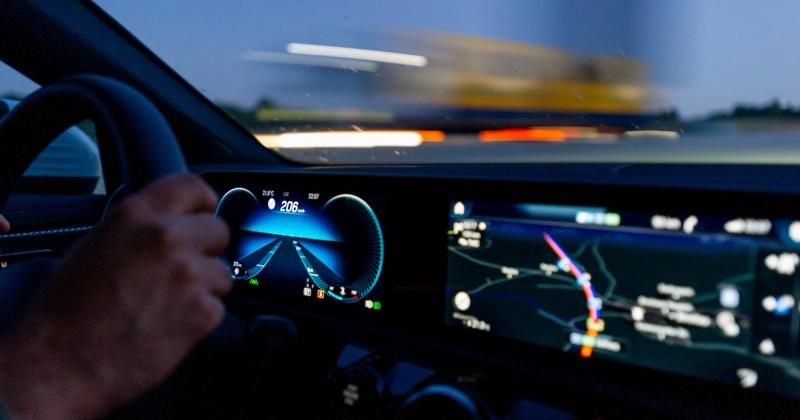
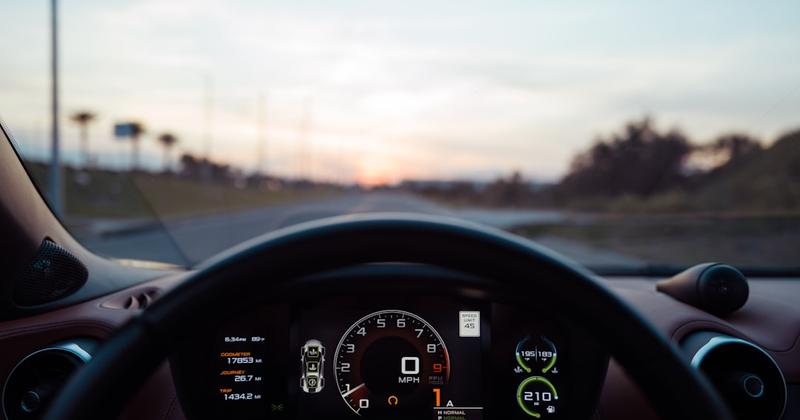
Once Ultra is running, the payoff is the instrument cluster. Apple renders your speedometer, tachometer, and trip data in a gauge layout you can restyle — different faces, colors, and layouts, chosen from the iPhone. Time-critical gauges render on the car's own hardware, so a dropped phone connection never blanks your speedometer.
- Gauge style: pick a cluster face and color from the CarPlay settings on your iPhone; the change shows on the dashboard.
- In-dash controls: climate, heated seats, and radio live inside the CarPlay UI, so you set the temperature without dropping out to the car's own system.
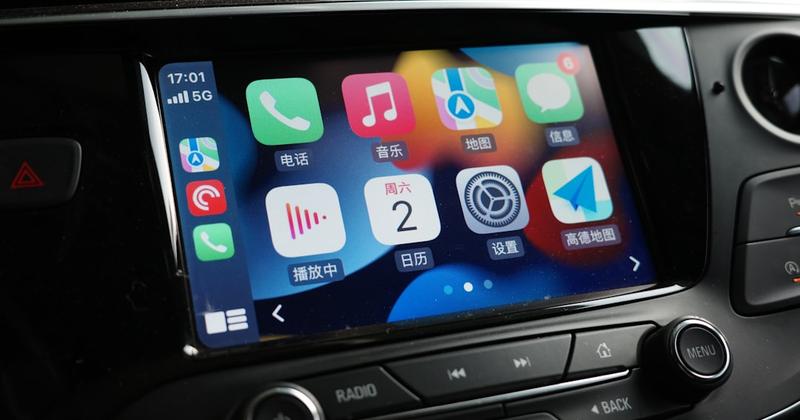
- Widgets and wallpaper: Ultra inherits the same iPhone apps, wallpaper, and widget stack that work on regular CarPlay.
Want the full screen-by-screen breakdown of how Ultra differs from the CarPlay you already know? Our CarPlay Ultra explainer lays out every difference — cluster, climate, and controls — side by side.
Which cars have Apple CarPlay Ultra in 2026
The list is short and moving at luxury-then-mainstream speed. Here is where it stands in mid-2026 — or see the full updated list of every car with CarPlay Ultra, including the brands that stepped back:
| Brand | Status | Models |
|---|---|---|
| Aston Martin | Shipping now | DBX S, DB12, Vanquish (+ dealer updates) |
| Hyundai | Confirmed next | First model reportedly expected H2 2026 |
| Kia | Confirmed next | Announced May 2026, no model date |
| Genesis | Confirmed next | Announced May 2026, no model date |
Most of the dozen-plus brands Apple named in 2022 — among them Mercedes-Benz, Audi, Volvo, Polestar, and Renault — have yet to ship it, and several are reported to have stepped back to keep their own dashboard software. The pattern mirrors the Tesla CarPlay saga: automakers want the iPhone's convenience without ceding the interface. You can read Apple's own overview on the official CarPlay page.
Ultra is years away for most cars
Bring synced lyrics and widgets to the CarPlay you have today.
Car Play Connect adds Musixmatch-synced lyrics for Apple Music and Spotify, home-screen widgets, and a custom startup sound — no new car, no dealer update needed.
Car Play Connect: Auto Sync
Free
Can't get Ultra? Upgrade the CarPlay you own
If you're not buying a supported car, Ultra is a preview you watch, not a feature you switch on. But the CarPlay you already drive can do more than the stock layout suggests — and all of it is free to set up or free to try:
- Home-screen widgets. iOS 26 unlocked CarPlay widgets. Add glanceable weather, music, and calendar tiles — our iOS 26 widgets guide lists the ones worth the slot.
- A custom startup sound. Swap the default chime for your own — see the startup sound library.
- Synced lyrics. Put scrolling lyrics on the CarPlay screen for Apple Music and Spotify.
Two of those three — widgets and the startup sound — are baked into iOS and free to set up by hand; the walkthroughs above show every step. Car Play Connect bundles all of it in one app, with 124 widget presets, built-in chimes, and synced lyrics, so you skip the manual setup. It's free to try on the App Store. Either way, everything in our CarPlay customization hub works on regular CarPlay and Ultra alike.
Frequently Asked Questions
How do I turn on Apple CarPlay Ultra?
On a supported car, Ultra turns on the first time you connect your iPhone and accept the full-dashboard CarPlay experience. The exact menu path varies by automaker, and Aston Martin is the only brand shipping it today. If you only see regular CarPlay, check the infotainment settings for a CarPlay Ultra toggle and confirm the car's software is up to date.
Can I add Apple CarPlay Ultra to my current car?
Almost certainly not, unless your car is a recent Aston Martin. Ultra needs deep integration with the car's displays and controls, so it arrives with new vehicles or manufacturer software updates. No aftermarket adapter, dongle, or head unit can add it, and none is expected. For most drivers, a new supported car is the only path.
What iPhone do I need for Apple CarPlay Ultra?
You need an iPhone 12 or newer running a current version of iOS. There's no separate app to buy or download and no subscription. The real gatekeeper is the car — Ultra only runs on vehicles the manufacturer built or officially updated to support it, so a new iPhone alone won't unlock it.
Is Apple CarPlay Ultra free?
Yes. Ultra itself is free — there's no subscription or per-month fee. The cost is the car: it only works on vehicles built or officially updated to support it, and it requires an iPhone 12 or newer. You pay for the vehicle, not for the CarPlay feature on top of it.
Which cars will get Apple CarPlay Ultra next?
Hyundai, Kia, and Genesis are confirmed next — Apple reaffirmed them in May 2026. Reporting points to the first mainstream model arriving in the second half of 2026, which would move Ultra from six-figure exotics to a mass-market brand. Several 2022-announced brands, including Mercedes-Benz and Audi, have reportedly stepped back.
Is Apple CarPlay Ultra the same as regular CarPlay?
No. Regular CarPlay controls only the center screen; Apple CarPlay Ultra controls every display, including the instrument cluster, plus climate and radio. Ultra renders your speedometer and gauges in an Apple-designed layout. Regular CarPlay ships in nearly all new cars, while Ultra is limited to a few supported models.