 Add Car Widgets
CarPlay startup sound maker
Upload your own clip or start from a cleared sound, trim it to 5 seconds, preview it, and download an importable .wav. Everything runs in your browser — nothing is uploaded.
1 · Your clip
or · Start from a safe sound
Clean two-tone. The default most people keep.
Original clip — Car Play Connect · free for personal use
Warm pad that fades in. Confident, never loud.
Original clip — Car Play Connect · free for personal use
Rising sweep tuned for electric cabins.
Original clip — Car Play Connect · free for personal use
Ignition-to-idle, half a second, then gone.
Royalty-free engine clip · free for personal use
A small starter set of cleared clips — no movie, game, or brand audio, and no known-track library. The list grows over time. None fit? Upload your own on the left.
Upload only recordings you have the rights to. Everything runs on your device — the audio never leaves your browser, and we don't store or host what you make. By using this tool you agree to our Terms of Use.
Your file is ready
The .wav is made here — the app is what plays it.
A downloaded clip doesn't do anything on its own: iOS has no setting for a CarPlay startup sound. Car Play Connect imports your .wav and fires it the moment CarPlay connects — plus a separate sound on disconnect. Free to try.

Car Play Connect: Auto Sync
4.6·2,300+ ratings·Free to try

How to make a CarPlay startup sound
- 1. Pick your sourceUpload any clip you own (.mp3, .wav, .m4a, .aac), or tap one of the cleared library sounds above to start from something safe. Nothing leaves your device either way.
- 2. Trim to 5 secondsCarPlay startup sounds are short. Slide the start point to choose the exact window; the tool keeps up to 5 seconds — the limit Car Play Connect enforces on an import. Aim for 3–5 seconds.
- 3. Normalize (optional)Leave normalize on so a quiet recording isn't drowned out by road noise, or turn it off to keep the clip's original level.
- 4. Preview and downloadHear the result, then download the
.wav. Import it via Car Play Connect → Sounds → Add Custom, or a free Shortcuts automation.
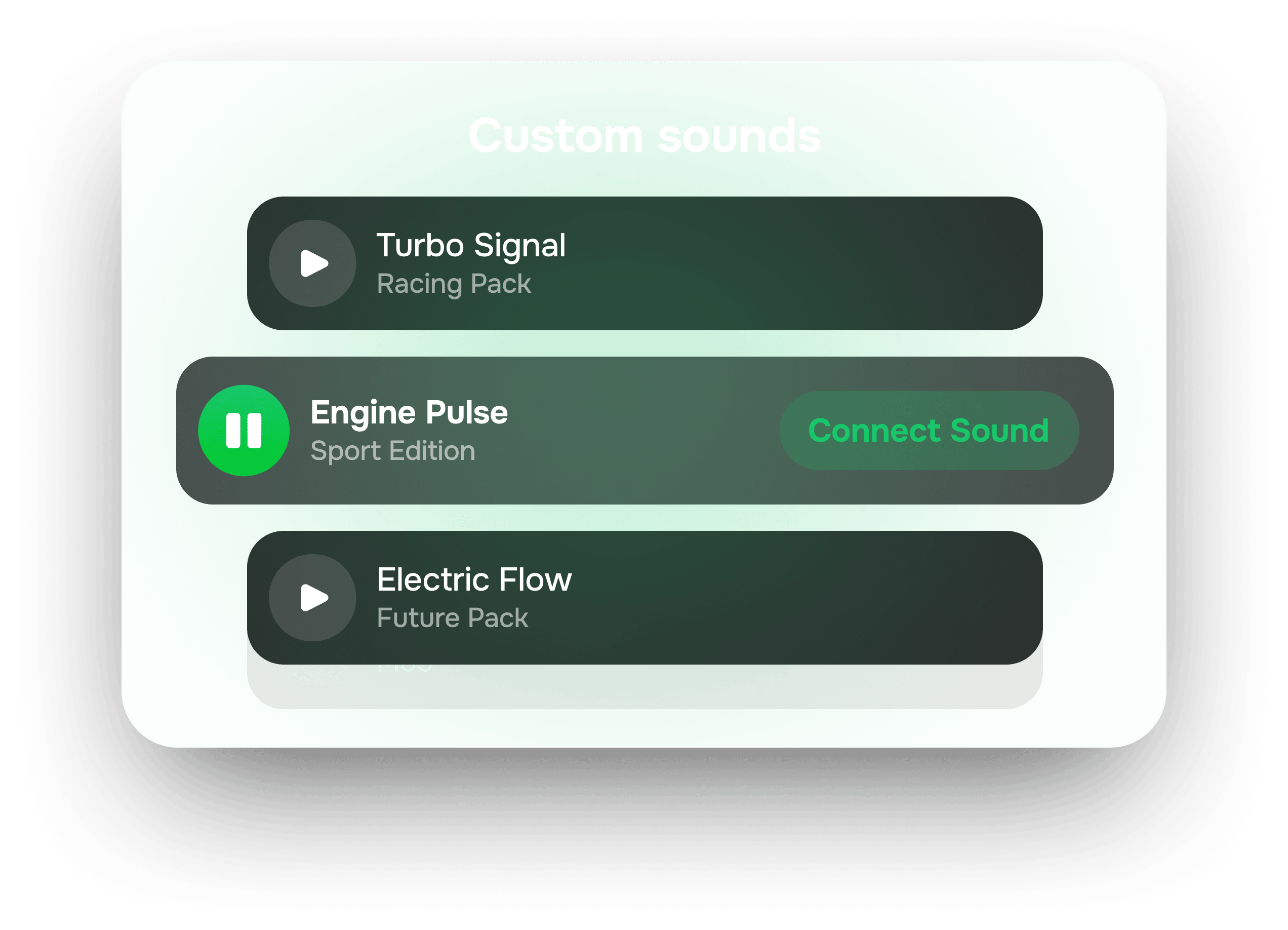
Setup lives on the CarPlay startup sound page — 5 steps, App Store, and playable packs. This maker is only for trimming your own clip to import.
What we don't do
- No file ever reaches our servers — processing is 100% in your browser, and we store nothing.
- No URL box, no “paste a track link,” no downloading from YouTube, Spotify, or any stream.
- No library of famous songs — only clips cleared for personal reuse, with their source noted.
- Upload only audio you have the rights to use. See our Terms of Use.
Why people install it
One sound on connect, another on disconnect — and 11 widgets while you drive.
Beyond the startup chime: photo, weather, clock, music and GPS-speedometer widgets on the iOS 26 CarPlay home screen, synced lyrics, and Mount Mode for cars without CarPlay.
Car Play Connect: Auto Sync
Free to try
Frequently asked
Is the CarPlay startup sound maker free?
Yes. It runs entirely in your browser with no account and no sign-up. Upload a clip or pick one from the small cleared library, trim it, and download the result at no cost.
Does my audio get uploaded to a server?
No. Every step — decoding, trimming, normalizing, and export — happens on your device using the browser's Web Audio API. The file never leaves your browser, and we don't store or host anything you make.
How long can a CarPlay startup sound be?
Up to 5 seconds. That's the import limit Car Play Connect enforces, so the tool caps the kept window at 5 seconds. A 3–5 second clip is the sweet spot: long enough to recognise, short enough to finish before you're moving.
What file do I get, and how do I import it?
You download a .wav. Open Car Play Connect → Sounds → Add Custom and import it, or drop it into a free Shortcuts automation triggered by 'When CarPlay connects'. Both play your clip the moment CarPlay connects.
Can I use any song or a clip from YouTube?
Only upload recordings you have the rights to. This tool has no URL or streaming input and doesn't download from YouTube, Spotify, or any service — that would infringe copyright. The built-in library is limited to clips cleared for personal reuse.
Other tools you can run right here.
Wireless CarPlay adapter picker
Pick your make and year — find out whether a wireless CarPlay adapter fits your car, which connector to buy, or whether you already have wireless and shouldn't bother.
CarPlay compatibility checker
Pick your make and year — get a plain yes/no on CarPlay, whether it's wired or wireless, and what to do if it isn't supported.
Dashboard warning light identifier
Match the shape and colour of a dashboard symbol to the standard warning light it maps to, plus how urgent it is and what to do now.
Speedometer calibration calculator
Enter stock and new tire sizes plus a dash reading — get real speed, percent error, a 30–90 lookup table, or a GPS-vs-dash correction factor.
The other things the app does.

CarPlay widgets for iOS 26
Car-brand logos, weather cards, clocks, photos, and air-quality tiles for the CarPlay home screen in iOS 26.
Custom CarPlay startup sound
Built-in presets across 7 packs, plus your own .m4a. Different sounds for connect and disconnect.
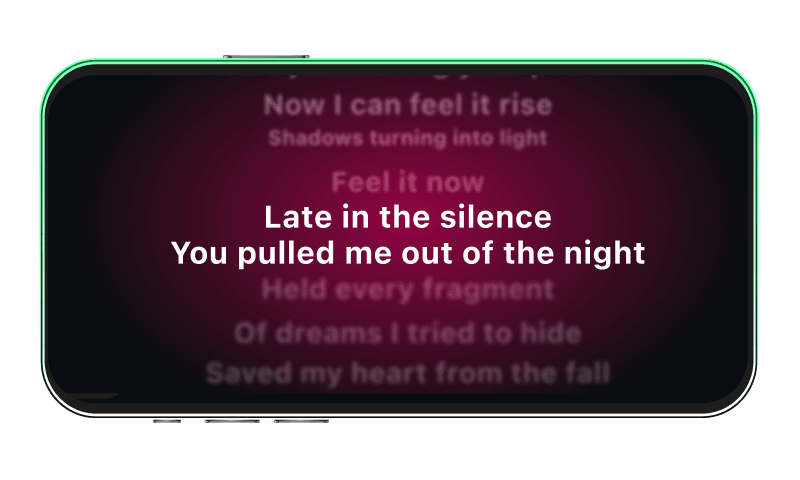
Synced CarPlay lyrics
Time-coded karaoke lyrics on the CarPlay display for Apple Music and Spotify. The active line highlights as the song plays.
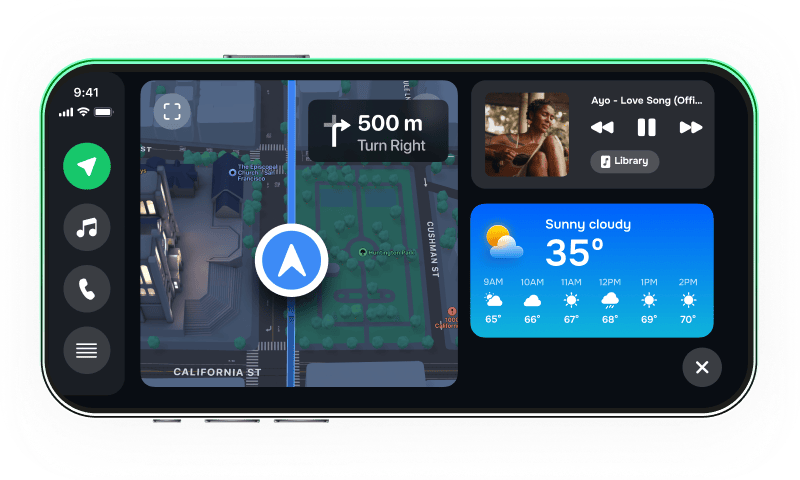
iPhone car dashboard
For Teslas, older cars, motorcycles — Mount Mode runs the dashboard on your iPhone when the car has no CarPlay.