 Add Car Widgets
Speedometer calibration calculator
Changed tire size? Enter the stock and new sizes (or overall diameters) and what the dash shows. The tool returns real speed, percent error, a 30–90 lookup table, and how many mph a camera would add. Second mode: compare dash to GPS for a correction factor.
Reads as 225/45R17
Reads as 245/40R18
Result
Real speed
72.1mph
Error
+3%
Delta at dash
+2.1mph
Diameter ratio
1.0298
New tires are larger (653.2 mm vs 634.3 mm). The needle under-reads — you're going faster than the dash shows. At a 70 mph reading, a camera clocks about 72.1 mph (+2.1).
| On dash | Actually | Camera delta |
|---|---|---|
| 30 mph | 30.9 mph | +0.9 mph |
| 50 mph | 51.5 mph | +1.5 mph |
| 70 mph | 72.1 mph | +2.1 mph |
| 90 mph | 92.7 mph | +2.7 mph |
Diameter uses the standard metric sidewall formula (section width × aspect × 2 + rim × 25.4 mm). Results ignore wear, pressure, and load — those shift a reading by a smaller margin. Not legal advice and not a substitute for a dealer or ECU calibrator if you need the needle itself rewritten.
You know the error — now read true speed live
A dead number on a webpage doesn't help at 70 mph.
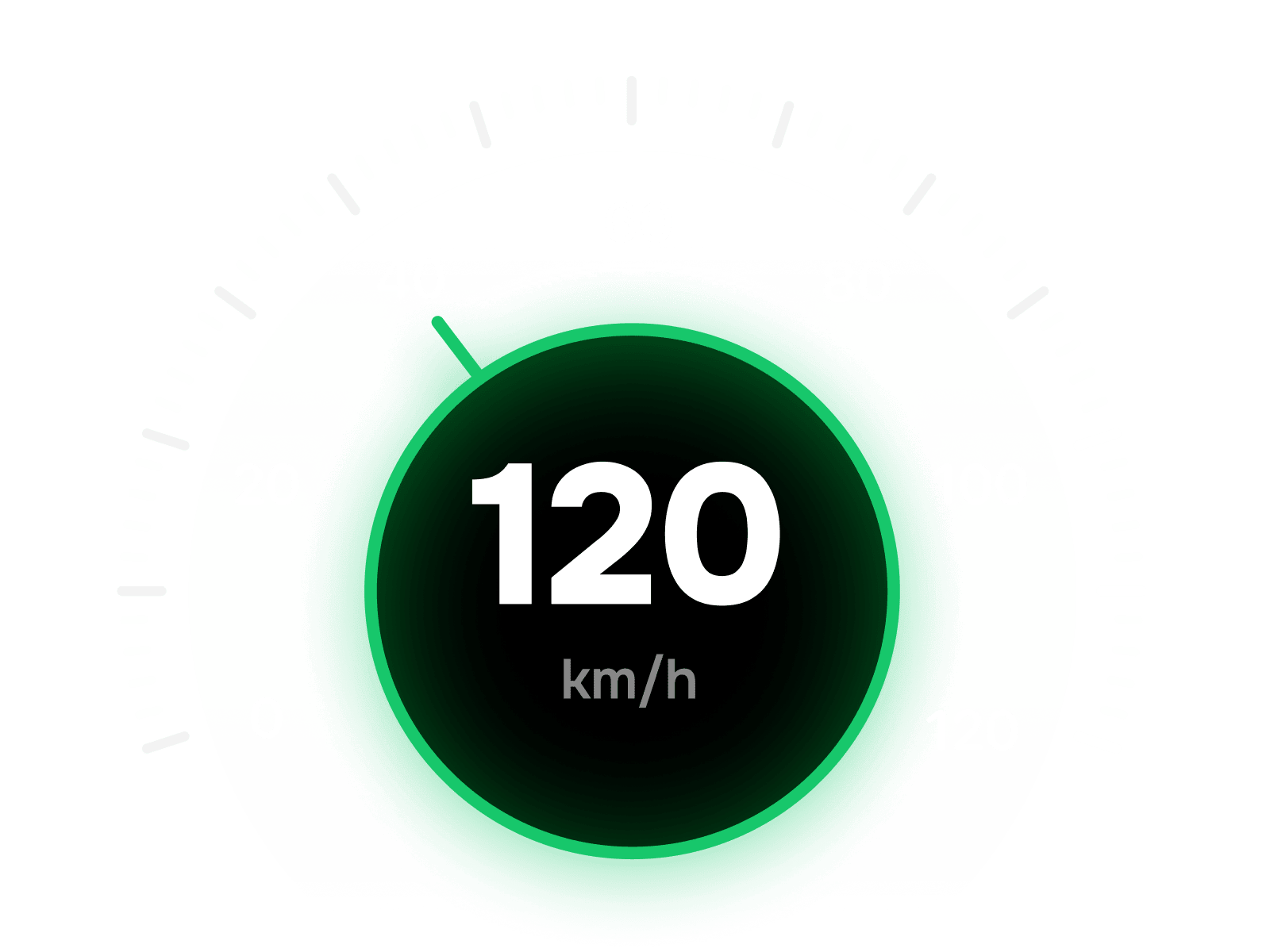
Car Play Connect's Mount Mode puts live GPS ground speed on a mounted iPhone, big enough to read at a glance. After you finish the tire math here, that's what you actually glance at while driving — mph or km/h, no nav route required. Free to try.

Car Play Connect: Auto Sync
4.6·2,735+ ratings·Free


What the calculator is doing
Speed from the dash is wheel rotations times a stored circumference. Swap the tire and that circumference is wrong. Real speed scales with overall diameter: actual = dash × (new diameter ÷ stock diameter). The percent error is simply (ratio − 1) × 100. That is arithmetic, not guesswork — which is why a static article cannot answer your exact 235/55R19 vs 225/65R17 pair.
Sidewall stamps look like 225/45R17: 225 mm section width, 45% aspect, 17-inch rim. Overall diameter = two sidewalls plus the rim. Prefer a measured overall diameter from the tire maker's spec sheet? Flip the input to millimetres and skip the stamp.
Want the live number on the CarPlay screen instead of mental math? See how to show a speedometer on CarPlay, the CarPlay widget gallery, and — if you care about Dutch or Belgian camera alerts — Flitsmeister on CarPlay.
From the spreadsheet to the dashboard
The table above is for planning: new rubber, a road-trip limit, a camera zone. Once you are moving, you need a live GPS reading — not a printed factor. Car Play Connect's Mount Mode turns a mounted iPhone into a big GPS speedometer, in any car — with or without CarPlay. That is the handoff: calculator finds the error, Mount Mode shows true speed every second.
Keep the true number on screen
Calibrate once. Read GPS speed every drive.
Run Mount Mode on a mounted iPhone for a big GPS speedometer in mph or km/h. Same app also adds CarPlay widgets — weather cards, clocks, air quality — and a custom startup sound. Free to try.
Car Play Connect: Auto Sync
Free
Frequently asked
How do I calibrate a speedometer after a tire size change?
Compare the stock overall tire diameter to the new size, then scale every dash reading by (new ÷ stock). Larger tires make the needle under-read; smaller tires make it over-read. The calculator above does that math for any size pair and fills a 30/50/70/90 table so you can see what a camera would clock.
Why is my speedometer wrong after new tires?
The car counts wheel rotations against the original circumference. A taller tire covers more ground per turn, so true speed rises while the dash stays the same. A shorter tire does the opposite. Wear, inflation, and load nudge the number a little further, but diameter is the main shift you can calculate from the sidewall stamp.
Do I need a Hypertech or OBD speedometer calibrator?
Not for the tire-size math. A plug-in calibrator rewrites the ECU so the dash itself matches true speed — useful if you want the needle corrected permanently. The browser tool only tells you what the needle means right now; it does not flash the car. Use it first to see how far off you are before buying hardware.
Is GPS speed more accurate than the car speedometer?
On a steady highway run, yes for true ground speed. GPS measures position over time; the dash is biased never to under-read, so it usually shows a few mph high on stock tires. Use the GPS vs dash mode here with a phone GPS speedometer (Car Play Connect's Mount Mode has one) to get a correction factor for your exact car.
How much over will a speed camera see me?
If larger tires make the dash under-read, the camera sees your true speed — higher than the needle. The lookup table in the calculator shows the gap at 30, 50, 70, and 90 (mph or km/h). Example: +3% error at a 70 mph dash reading means about 72 mph on the road.
Other tools you can run right here.
Wireless CarPlay adapter picker
Pick your make and year — find out whether a wireless CarPlay adapter fits your car, which connector to buy, or whether you already have wireless and shouldn't bother.
CarPlay compatibility checker
Pick your make and year — get a plain yes/no on CarPlay, whether it's wired or wireless, and what to do if it isn't supported.
Dashboard warning light identifier
Match the shape and colour of a dashboard symbol to the standard warning light it maps to, plus how urgent it is and what to do now.
CarPlay startup sound maker
Upload a clip, trim it to the 5-second import limit, normalise and download a ready-to-add CarPlay startup sound — all in your browser.
The other things the app does.

CarPlay widgets for iOS 26
Car-brand logos, weather cards, clocks, photos, and air-quality tiles for the CarPlay home screen in iOS 26.

Custom CarPlay startup sound
Built-in presets across 7 packs, plus your own .m4a. Different sounds for connect and disconnect.
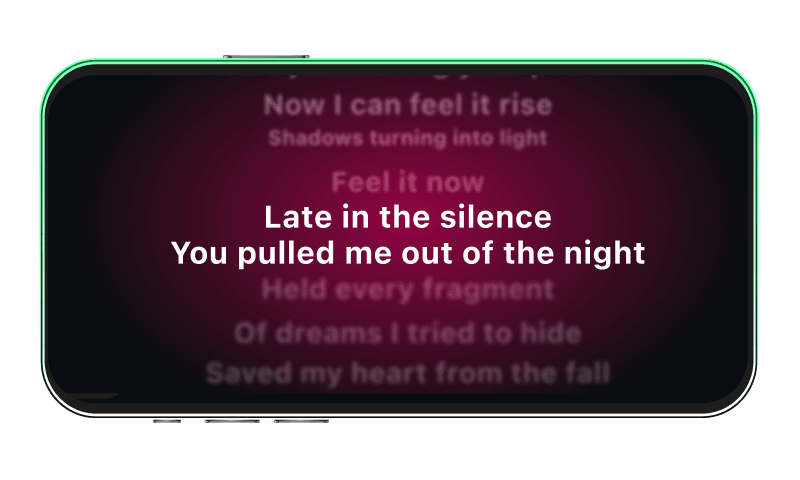
Synced CarPlay lyrics
Time-coded karaoke lyrics on the CarPlay display for Apple Music and Spotify. The active line highlights as the song plays.
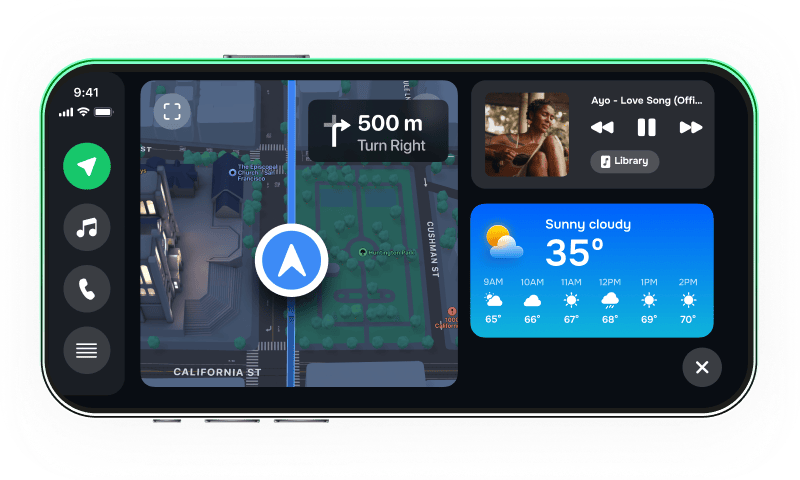
iPhone car dashboard
For Teslas, older cars, motorcycles — Mount Mode runs the dashboard on your iPhone when the car has no CarPlay.