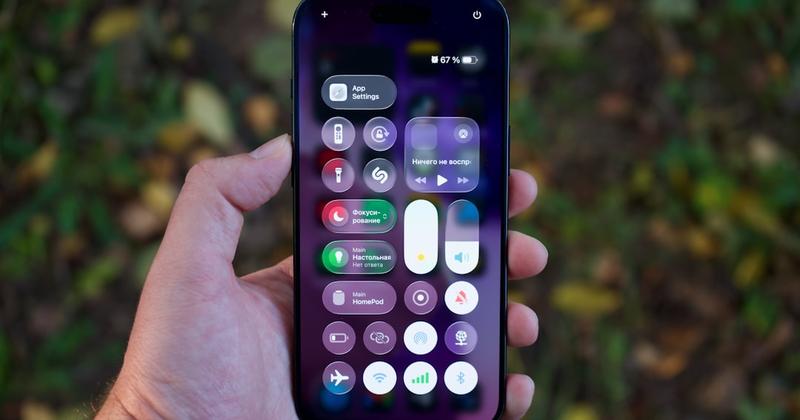
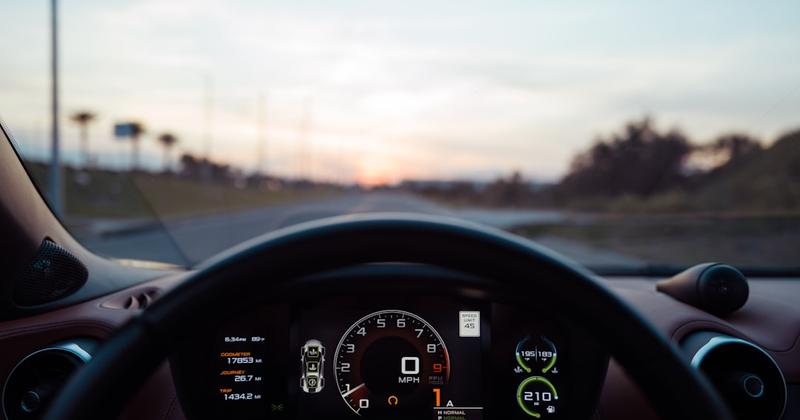
Add Car Widgets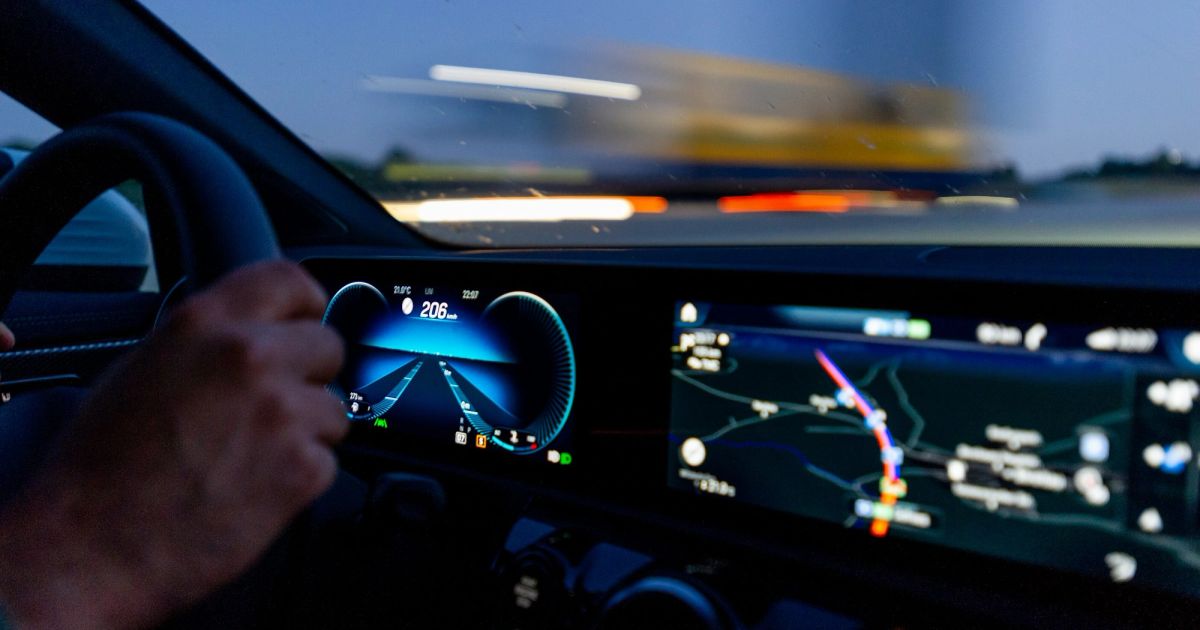
On this page▾
- The 30-second test: which screen do you actually need?
- Method 1: Your car's built-in CarPlay screen (best if you have it)
- Method 2: An aftermarket head unit (best permanent upgrade)
- Method 3: A portable CarPlay screen (best for renters)
- Method 4: A mounted iPhone (best for Teslas and older cars)
- Best CarPlay screen in Australia, compared
- Where you can legally mount a screen in Australia
- Frequently Asked Questions
Quick answer
The best CarPlay screen in Australia is the one your car already has — a factory display costs nothing to switch on. If your car lacks CarPlay, the best upgrade is an aftermarket head unit from Pioneer or Kenwood (about A$400–1,200 fitted). Renters and Tesla drivers do better with a portable screen or a mounted iPhone.
There are four ways to get CarPlay on a screen in cars sold here — a factory screen, an aftermarket head unit, a portable monitor, and a mounted iPhone. Each one wins for a different budget and a different dash. Below I rank them for an Australian buyer, with real prices in dollars and where to buy locally.
The 30-second test: which screen do you actually need?
Before you spend a cent, work out which problem you have. Start the car and plug your iPhone into the USB port nearest the dash.
- CarPlay loads on the centre screen.You already own the best screen — a factory display. Nothing to buy. If it drops out later, see the CarPlay not working fixes.
- The screen stays black or says “not available.”Your car has the hardware; something is blocking it. Fix that first — see why your CarPlay screen goes black.
- Your car has no CarPlay at all.A pre-2016 model, a base trim, or a Tesla. Now you're actually shopping — Methods 2, 3, or 4 below.
Not sure your car qualifies for the built-in route? Check which cars have Apple CarPlay first, or the raw mechanics in how to get a CarPlay screen in any car.
No CarPlay screen in your dash?
Turn the iPhone you already own into a CarPlay-style screen
If your car can't run native CarPlay — a Tesla, a pre-2016 model, or a base-trim ute — Car Play Connect's Mount Mode makes a mounted iPhone your driver screen: big maps, a GPS speedometer, and glanceable widgets, with audio over Bluetooth. Free to try.

Car Play Connect: Auto Sync
4.6·2,735+ ratings·Free


Method 1: Your car's built-in CarPlay screen (best if you have it)
If your car shipped with CarPlay, the screen is already in the dash. This is the best result full stop — audio, microphone, and steering controls are all wired in, and it costs nothing.
- Start the car and unlock your iPhone with Face ID or your passcode.
- Plug the phone into the USB port marked with a CarPlay or smartphone icon — usually the one closest to the head unit. Armrest and back-seat ports are often power-only.
- Tap Use CarPlay on the prompt that appears on the iPhone.
- Wait 10–30 seconds for the CarPlay home screen to fill the car display.
Best for:anyone whose car already has CarPlay — most new cars sold in Australia since about 2018. When it won't work: a charging-only cable carries power but no data, so the screen never loads. Swap in a known-good data cable. Want to lose the cable? A wireless CarPlay adapterturns a wired-only factory screen wireless for about A$60–130. Confirm your car on Apple's official compatible-models list.
Method 2: An aftermarket head unit (best permanent upgrade)
No factory CarPlay? Replace the stereo. An aftermarket head unit gives you a proper touchscreen wired into your speakers and steering controls. It's the best permanent screen for an older car.
- Measure your dash opening — single-DIN and double-DIN units are different sizes.
- Buy a CarPlay head unit from a brand sold here — Pioneer, Kenwood, Sony, JVC, or Alpine — plus the matching dash kit and wiring harness for your make and model.
- Fit it yourself or have a shop do it. Budget roughly A$400–1,200 fitted, depending on the screen.
- Plug in the iPhone (or pair wirelessly if the unit supports it) and CarPlay loads.
Best for:a car you're keeping, where you want CarPlay permanently on the dash. You'll find these units at Autobarn, Supercheap Auto, and JB Hi-Fi, in store or online. When it won't work:some cars route climate controls or the reverse camera through the factory screen, so a straight swap can break them. Ask the installer about an interface adapter before you buy — or use Method 3 or 4 to leave the dash alone.
Method 3: A portable CarPlay screen (best for renters)
A portable CarPlay screen is a self-contained box that mounts on the dash or windscreen. Nothing gets wired in, and it moves between cars. It's the fastest option if you don't own the car.
- Mount the screen on the dash or windscreen with the included bracket or suction cup.
- Power it from a 12V socket or USB port — the cable is visible, so route it neatly.
- Pair your iPhone to the screen over its own Bluetooth or Wi-Fi.
- Send its audio to your speakers over Bluetooth or an FM transmitter.
Best for:hire cars, a car you're about to sell, or moving one screen between vehicles. Expect to pay about A$120–350 for a decent unit. When it won't work: audio over FM or Bluetooth can lag or hiss, and a dash-mounted box adds glare and clutter. It's great for maps and music, weaker for calls.
Already own the best screen in the car
Skip the A$300 gadget — your iPhone is a bigger, sharper screen
A modern iPhone display beats most portable CarPlay boxes on size and clarity. Car Play Connect's Mount Mode runs a CarPlay-style dashboard on it — large maps, a GPS speedometer, and 11 car-tuned widgets — with no wiring and no extra hardware. Free to try.
Car Play Connect: Auto Sync
Free
Method 4: A mounted iPhone (best for Teslas and older cars)
You already own the best screen in the car. Mount your iPhone, run a dashboard app, and you get a CarPlay-style layout without buying or installing anything. It is the natural route for a Tesla that never had CarPlay.
- Clip your iPhone into a vent or dash mount where you can glance at it, not stare.
- Open Car Play Connect's Mount Mode and pick a layout.
- Add the widgets you actually use — maps, a GPS speedometer, music, weather.
- Pair the phone to your car over Bluetooth so audio and calls play through the speakers.
Best for:Teslas, pre-2016 cars, and base trims with no CarPlay — and anyone who doesn't want to spend a dollar to try. When it won't work:it doesn't control your car's own display or appear on the factory screen — it's a separate driver screen on the mount. That's the point for a Tesla, but if you want CarPlay on the dash, use Method 1 or 2. You can also give it a custom startup sound so it feels finished.
Best CarPlay screen in Australia, compared
Four ways to get a CarPlay screen, four different trade-offs. Match the row to your car and your budget — prices are rough guides in Australian dollars.
| Screen | Rough cost (AUD) | Best for | Main trade-off |
|---|---|---|---|
| Built-in screen (Method 1) | A$0 | Cars that already have CarPlay | None — you just connect |
| Aftermarket head unit (Method 2) | A$400–1,200 fitted | Older cars, permanent fix | Install work; can affect factory features |
| Portable screen (Method 3) | A$120–350 | Renters, moving between cars | Visible cables; laggy audio |
| Mounted iPhone (Method 4) | Free to try | Teslas, pre-2016 cars, no install | Separate screen, not on the dash |
Where you can legally mount a screen in Australia
A screen you add yourself has to sit somewhere legal. In every state and territory, a phone or portable screen must be in a commercially made mount fixed to the car, and it can't block your view of the road. A factory or head-unit screen built into the dash is fine by design.
The catch is touching it. Road rules on handling a phone while driving differ by state — NSW, Victoria, and Queensland all run mobile-detection cameras, and the fines are steep. Set your route and playlist before you drive, then use voice or steering controls. A dash-mounted iPhone counts as a phone under these rules, so treat it like one.
Rules change, so check your own state or territory transport authority for the current wording. If you drive here often, our guide to whether CarPlay is legal in Australia covers the mounting and touching rules in more detail.
Frequently Asked Questions
What is the best CarPlay screen to buy in Australia?
The best CarPlay screen to buy in Australia is an aftermarket head unit from Pioneer or Kenwood, usually A$400–1,200 fitted, if your car has no factory CarPlay. It wires straight into your speakers and steering controls for a permanent result. If you'd rather not touch the dash, a portable screen or a mounted iPhone gives you a CarPlay-style display for less.
How much does a CarPlay screen cost in Australia?
A CarPlay screen in Australia costs nothing if your car already has one built in. An aftermarket head unit runs about A$400–1,200 fitted, a portable CarPlay monitor A$120–350, and a wireless adapter for an existing screen about A$60–130. A mounted iPhone running a dashboard app is free to try, since you already own the screen.
Where can I buy a CarPlay head unit in Australia?
You can buy a CarPlay head unit in Australia from Autobarn, Supercheap Auto, and JB Hi-Fi, in store or online. They stock Pioneer, Kenwood, Sony, JVC, and Alpine units, plus the dash kits and wiring harnesses you need for a clean fit. Many stores also offer installation, or you can bring the unit to a local car-audio shop.
Can I add a CarPlay screen to an older car in Australia?
Yes. You can add a CarPlay screen to almost any older car with an aftermarket head unit from Pioneer, Kenwood, Sony, or Alpine, usually A$400–1,200 fitted. If you'd rather not rewire the dash, a portable CarPlay screen or a mounted iPhone running Car Play Connect's Mount Mode gives you a CarPlay-style display for far less.
Can I use my phone as a CarPlay screen in my car?
Yes. You can use your iPhone as a CarPlay-style screen by mounting it and running a dashboard app like Car Play Connect's Mount Mode. It shows large maps, a GPS speedometer, and glanceable widgets, with audio over Bluetooth. Keep it in a fixed mount that doesn't block your view, and set everything up before you drive.
Whichever screen you land on, the iPhone side stays the same: keep the connection clean and fill the screen with what you actually glance at. For the raw mechanics, read how to get a CarPlay screen in any car; to go wireless on a factory screen, see the wireless CarPlay adapter guide or match your car in the adapter picker. For the no-CarPlay cars, Car Play Connect adds 11 car-tuned widgets, custom startup sounds, and a Mount Mode dashboard. Free to try, annual subscription afterward.