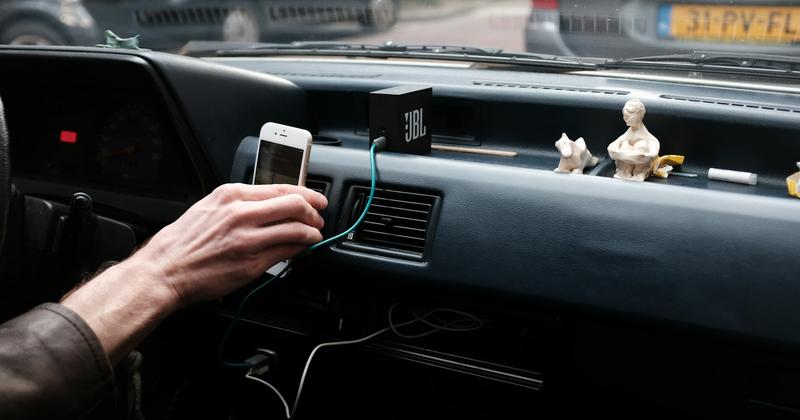
Add Car Widgets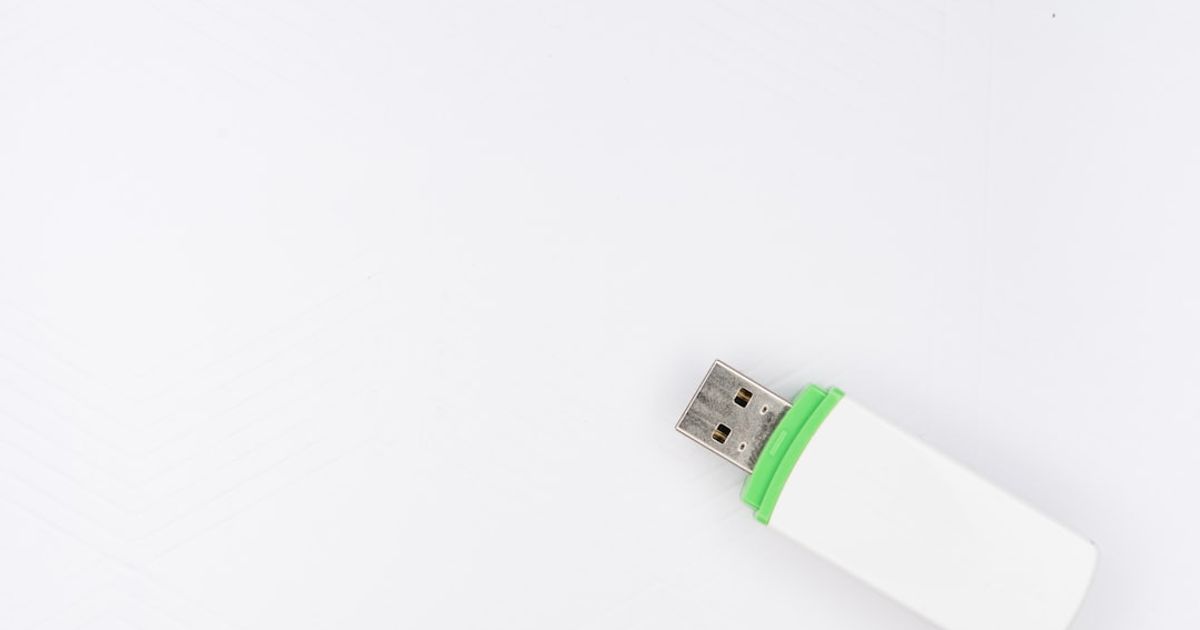
On this page▾
- The 30-second test: do you even need one?
- How a wireless CarPlay adapter actually works
- Step 1: Confirm your car already has wired CarPlay
- Step 2: Plug the adapter into a data USB port
- Step 3: Pair the adapter with your iPhone
- Step 4: Set it to connect automatically every drive
- How to choose one: 4 things that actually matter
- When a wireless adapter won't help
- Frequently Asked Questions
Quick answer
A wireless CarPlay adapter is a small dongle that plugs into your car's wired USB CarPlay port and converts it to wireless, so your iPhone connects over Wi-Fi with no cable. Plug it in, pair once over Bluetooth, and it auto-connects every drive. The proven picks are the Carlinkit 5.0 and Ottocast U2-X Plus.
This is the plain-English version: what a wireless CarPlay adapter is, how the handshake works, the four-step setup, and how to pick one that won't leave you re-plugging a cable anyway.
Free browser tool
Skip the reading — get a verdict for your exact car
Pick your make and year and the free picker tells you straight away whether a wireless adapter fits, which USB connector to buy, or whether you already have wireless and shouldn't bother.
Open the wireless adapter picker →The 30-second test: do you even need one?
Before you spend anything, check whether your car already does wireless CarPlay on its own. An adapter only helps a car that has wired CarPlay today. Run this quick check:
- Plug your iPhone in with a cable. If CarPlay loads, your car has wired CarPlay — an adapter can make it wireless.
- Now look in your car's Bluetooth or phone-projection menufor a “Wireless CarPlay” or “Wireless Apple CarPlay” option. If it's there, you don't need an adapter — pair it and you're done.
- If the cable does nothing at all,your car doesn't support CarPlay in any form, and an adapter can't add it. That needs a new head unit, not a dongle.
So the sweet spot for a wireless CarPlay adapter is one specific car: wired CarPlay works, but there's no built-in wireless option. That covers most 2016–2022 models.
Once you're wireless
The adapter drops the cable. This drops the boring default screen.
A wireless adapter gives you stock CarPlay over Wi-Fi. Car Play Connect adds iOS 26 widgets, a custom startup sound, and synced lyrics on top — whichever adapter you end up buying.

Car Play Connect: Auto Sync
4.6·2,300+ ratings·Free to try

How a wireless CarPlay adapter actually works
The dongle is a tiny two-radio computer. It fools your car into thinking a phone is plugged in by the cable, then relays everything to your real iPhone over the air. Two links do the work:
- Bluetooth handles the introduction.When you start the car, the adapter and your iPhone find each other over Bluetooth Low Energy. That's the slow part — the few seconds you wait for CarPlay to appear.
- 5 GHz Wi-Fi carries the actual CarPlay stream.Once paired, the screen, touch input, and audio all travel over a private Wi-Fi link between the adapter and your phone. Bluetooth alone can't carry that much data, which is why a “Bluetooth-only CarPlay adapter” isn't a real product.
The car never knows any of this. To the head unit, it's still plain wired CarPlay coming down the USB cable that connects to the dongle. That's why compatibility is usually good: if your car does wired CarPlay, it does adapter CarPlay.
Step 1: Confirm your car already has wired CarPlay
Do the cable test from above one more time and note whichUSB port made CarPlay load. Cars often have three or four USB ports and only one carries data. Mark that port — it's the one the adapter has to live in.
If wired CarPlay only works from a port hidden in the center console, that's fine; the adapter is small enough to tuck in there. If it never works from any port, stop here — an adapter can't create CarPlay that isn't there.
Step 2: Plug the adapter into a data USB port
Every wireless adapter ships with a short cable and usually both a USB-A and USB-C tip. Use the tip that matches your car's data port — not a charge-only one. The single most common setup failure is plugging the dongle into a power-only port, where it lights up but never talks to the head unit.
- Older cars: the data port is almost always USB-A, often marked with a small phone or CarPlay icon.
- 2021 and newer: it may be USB-C. When in doubt, use the exact port that passed your cable test.
- Leave the adapter plugged in permanently. It's meant to stay; you don't remove it between drives.
Step 3: Pair the adapter with your iPhone
Turn the car on so the dongle powers up. On your iPhone, open Settings → Bluetoothand make sure Bluetooth is on. Within a few seconds the adapter broadcasts its own name — something like Carlinkit-xxxx or OttoAA-xxxx. Tap it to pair.
Your iPhone will ask to allow CarPlay; say yes. The screen may go dark for a moment while the Wi-Fi link comes up, then CarPlay loads on the car display. First-time pairing takes the longest — 15 to 30 seconds is normal. If nothing appears after a minute, unplug the adapter, plug it back in, and retry. Apple's own Set up and use CarPlay guide covers the underlying pairing behavior if your car needs its Bluetooth cleared first.
Step 4: Set it to connect automatically every drive
After the first successful pair, the adapter remembers your phone. From then on it should connect on its own each time you start the car — no menus, no tapping. To make that reliable:
- Keep Wi-Fi on.Wireless CarPlay uses your iPhone's Wi-Fi radio even though you never join a network. If Wi-Fi is off, the adapter can't hand off the stream.
- Turn off Personal Hotspot.An active hotspot fights the adapter for the same radio and is the top cause of a dongle that pairs but won't load the screen.
- Install the adapter's firmware app once.Carlinkit's Autokit and Ottocast's app push updates that fix reconnection after iOS point releases. Run it the first week, then forget it.
If it later starts dropping mid-drive, the pattern usually points to one fix — our CarPlay keeps disconnecting guide walks through them in order. Wireless adapters and stock wireless CarPlay fail the same ways.
After it auto-connects
Wireless is step one. A dashboard you actually like is step two.
Once the adapter connects on its own, set a custom startup chime for that car and drop a GPS speedometer or weather widget on the CarPlay screen — Car Play Connect does both in about a minute.
Car Play Connect: Auto Sync
Free to try
How to choose one: 4 things that actually matter
Ignore the spec-sheet theater. Going by manufacturer specs and owner reports, these are the four things that separate a good adapter from one you end up returning:
- Recent firmware. A brand shipping updates in the last 90 days will still work after the next iOS release. No-name dongles get one firmware and then break.
- A companion app, not a USB stick.If you can't update it from your phone, you're stuck on whatever it shipped with.
- Connection time under ~12 seconds. Cheap adapters that take 25+ seconds feel broken every single drive.
- A real return window.Buy where you can send it back. The failure rate below $50 is high enough that you'll use it.
Here's where an adapter fits versus the alternatives, so you know what you're actually buying:
| Setup | Cable needed? | Cost | Best for |
|---|---|---|---|
| Wired CarPlay (built in) | Yes, every drive | $0 | You don't mind plugging in and want zero lag |
| Wireless adapter (dongle) | No, after setup | ~$60–$150 | Car has wired CarPlay but no built-in wireless |
| Factory wireless CarPlay | No | $0 (already in the car) | Newer cars — skip the adapter entirely |
For specific models, claimed connection times, and what to skip, see the full best wireless CarPlay adapter ranking, or the deep dives on the Carlinkit 5.0 and Ottocast U2-X Plus. Shopping the budget end? The Aluratek wireless adapter setup guide covers the ~$40 tier.
When a wireless adapter won't help
A dongle is not a universal CarPlay adder. It won't help in three cases, and it's worth knowing before you buy:
- Your car has no CarPlay at all. If the cable test failed on every port, there is no wired CarPlay for the adapter to convert. You need a replacement head unit.
- Your car already has wireless CarPlay.The adapter adds nothing but a second thing to fail. Pair the built-in one — see how to get wireless CarPlay the native way.
- You drive a Tesla.Tesla head units don't speak wired CarPlay, so a dongle has nothing to plug into. See CarPlay for Tesla workarounds for what actually works there.
Everyone else — the huge middle of wired-only cars — is exactly who these adapters are built for. You can confirm your car's CarPlay support on Apple's available models list. If you're still setting CarPlay up for the first time, start with how to set up Apple CarPlay.
Frequently Asked Questions
Do I need a wireless CarPlay adapter?
You need one only if your car has wired CarPlay but no built-in wireless option. Plug your phone in with a cable: if CarPlay loads but there's no “Wireless CarPlay” choice in the car's menus, an adapter is the fix. If wireless is already there, or if the cable does nothing at all, an adapter won't help you.
How do I set up a wireless CarPlay adapter?
Plug the adapter into your car's data USB port, start the car, then open Settings → Bluetooth on your iPhone and tap the adapter's name to pair. Allow CarPlay when prompted and wait 15 to 30 seconds for the screen to load. After the first pairing it reconnects automatically every drive, as long as Wi-Fi stays on.
Does a wireless CarPlay adapter work with any car?
It works with almost any car that already supports wired CarPlay, because the car still sees plain wired CarPlay coming down the cable. It will not work on a car with no CarPlay at all, and it's pointless on a car that already has factory wireless CarPlay. Teslas aren't compatible, since their screens don't run wired CarPlay.
Why does my wireless CarPlay adapter keep disconnecting?
The usual cause is an active Personal Hotspot or Wi-Fi turned off, since wireless CarPlay needs your iPhone's Wi-Fi radio free. Turn off Personal Hotspot, keep Wi-Fi on, and update the adapter's firmware through its companion app. A weak or failing adapter that drops even after those steps is usually a sub-$50 dongle worth replacing.
Do wireless CarPlay adapters drain iPhone battery faster?
Slightly. A wireless session uses a bit more battery per hour than a cable, because the Wi-Fi radio stays active the whole drive. On a short commute it's invisible; on a long road trip it adds up. If your car has a Qi wireless charging pad you can set the phone on it to top up, or just drop a cable in a free USB port.
Once wireless is running, the iOS 26 widget stack is where CarPlay actually gets better — see How to Edit CarPlay Widgetsfor reordering, swapping, and removing the ones you don't use. If the adapter starts acting up, the Bluetooth-connected-but-not-working fix covers the exact failure most dongles hit after an iOS update.