Add Car Widgets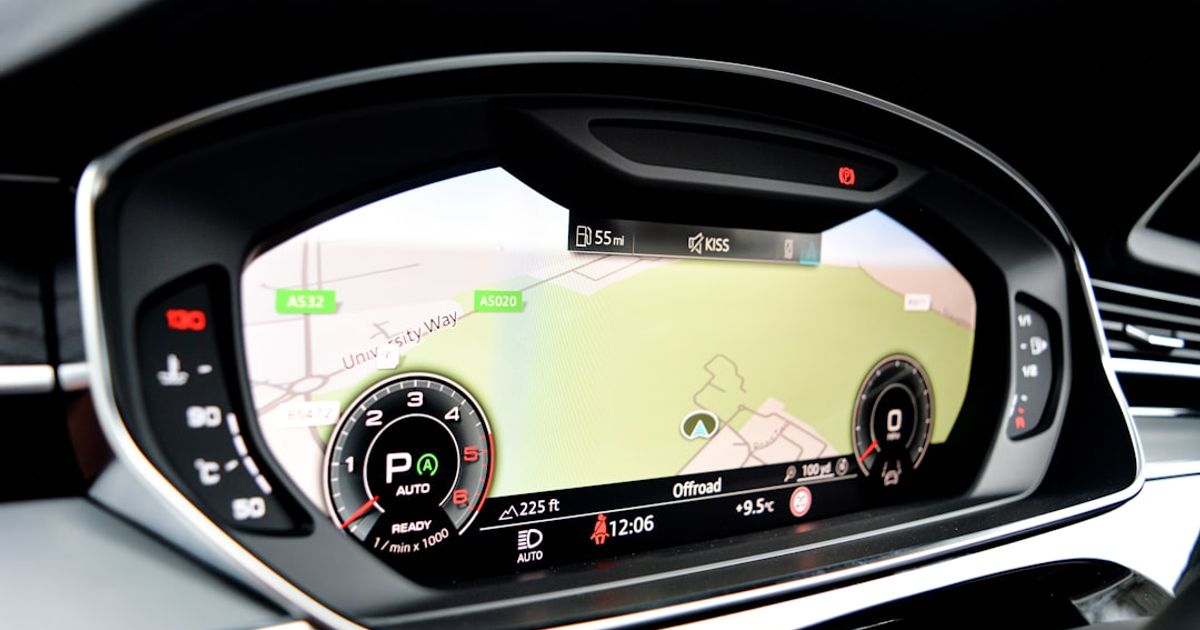
On this page▾
Quick answer
Nissan CarPlay stops working most often because the USB port is set to Android Auto or media mode instead of CarPlay — go into the head unit settings and switch the USB input to "Apple CarPlay." Also try a different cable (genuine Apple only), and reboot the Connect infotainment by holding the audio power button for 10 seconds.
Nissan's CarPlay problems cluster around NissanConnect — the same head unit family runs the Rogue, Sentra, and Altima, so the failures rhyme across models: a USB port that charges but won't negotiate data, a unit that needs a hard reboot after a phone update, and firmware that lags a step behind each iOS release.
TL;DR — the 60-second answer
Use an MFi-certified data cable in the port marked with the smartphone icon (not the charge-only one), then soft-reset the head unit — hold the audio power knob until the screen goes black and the Nissan logo returns. Those two moves fix the majority of Nissan CarPlay failures. If yours survives that, work down the model sections below.
Nissan Rogue CarPlay fixes
The Rogue's most-reported issue is CarPlay vanishing mid-drive and refusing to return until the next ignition cycle — classic USB hub behavior. Use the console's front data port, not the armrest port, and keep the cable under one meter. On 2021+ Rogues with wireless CarPlay, delete the phone from both the head unit and iPhone Bluetooth settings and re-pair; the wireless handshake is the fragile link, and a full both-sides reset clears it.
More on your CarPlay screen
Get more from your Nissan's CarPlay screen
Car Play Connect adds 11 widget templates and a custom startup sound to CarPlay — album-locked Photos, a GPS speedometer, weather and calendar. Free to try.

Car Play Connect: Auto Sync
4.6·2,300+ ratings·Free to try

Nissan Sentra CarPlay fixes
Sentra owners hit the black-screen variant: the phone chimes, the CarPlay icon appears, then the screen stays dark. That's the head unit failing to render the session — reboot it (power knob hold), and if it recurs weekly, ask the dealer for the current NissanConnect firmware; the update that addresses display handoff is applied at the service bay, not over the air on most Sentras. For the model-specific fix order — including the greyed-out-CarPlay and wired-vs-wireless-by-year cases — see our Nissan Sentra CarPlay guide.
Nissan Altima CarPlay fixes
The Altima pattern is CarPlay working only on some drives — typically a marginal cable plus the car's aggressive USB power management. Swap the cable first. If the unit also forgets the phone entirely every few weeks, clear all paired devices from the head unit and pair just your iPhone; NissanConnect handles a full pairing list badly.
Once it's stable
A NissanConnect screen that finally shows more than the map
Once CarPlay holds a connection, Car Play Connect adds 11 widgets — GPS speedometer, weather, trip stats, air quality — each taking one of iOS 26's five slots.
Car Play Connect: Auto Sync
Free to try
Fixes that apply to every NissanConnect car
- Head-unit soft reset: hold the audio power knob 10+ seconds until reboot.
- Firmware: NissanConnect updates ship through dealers for most model years — ask specifically for the infotainment/CarPlay update bulletin.
- Port choice: the smartphone-icon USB port is the only one wired for CarPlay on most trims; rear and armrest ports are charge-only.
- iPhone side: the generic sequence in the 15-reasons guide(cable, restart, re-pair, iOS update) applies unchanged; Apple's official CarPlay guide covers the connection basics too.
Nissan CarPlay problems by model, compared
The same NissanConnect head unit runs the whole lineup, but each model leans toward a different symptom. Here's how the Rogue, Sentra, and Altima map to what usually goes wrong and the fix that clears it.
| Nissan | Most common symptom | Fix |
|---|---|---|
| Rogue | CarPlay vanishes mid-drive, returns only at the next ignition | Use the front console data port, keep the cable under a meter; on 2021+ wireless, delete and re-pair both sides |
| Sentra | Phone chimes and the icon appears, then the screen stays dark | Soft-reset the head unit (hold the audio power knob ~10 sec); ask the dealer for current firmware if it recurs weekly |
| Altima | Works only on some drives, or forgets the phone every few weeks | Swap in a certified cable; clear all paired devices and pair just your iPhone |
| Every NissanConnect | Phone charges but CarPlay never starts | Move to the smartphone-icon USB port — rear and armrest ports are charge-only |
FAQ
How do I turn on CarPlay in a Nissan?
Plug your iPhone into the smartphone-icon USB port, then set that input to Apple CarPlay in the head unit. On most NissanConnect systems the toggle lives under Settings → Bluetooth & Devices, or in the USB source menu. If the CarPlay icon still doesn't appear, unlock the phone and tap Allow on the Trust prompt the first time you connect.
Why does my Nissan CarPlay keep disconnecting?
A worn cable or a charge-only port causes most Nissan CarPlay drops. Swap to a certified data cable in the smartphone-icon port and keep it under a meter. On wireless Rogues, a Personal Hotspot left on fights the 5 GHz handshake — turn it off before driving, or delete and re-pair both sides if the drops continue.
Why is my Nissan Rogue CarPlay not working when the phone is charging?
Charging proves power, not data. Either the cable's data lines are worn or you're in a charge-only port. Move to the smartphone-icon port with a certified data cable — that combination resolves most Rogue cases.
Does Nissan support wireless CarPlay?
On newer model years with the larger NissanConnect displays, yes (Rogue and Pathfinder among the first); most earlier trims are wired-only. A wireless adapter adds it to wired-only cars — see the adapter ranking for the ones that behave with NissanConnect.
How do I reboot a NissanConnect head unit?
Hold the audio power knob for about ten seconds until the screen blanks and the Nissan logo reappears. It's non-destructive — settings and pairings survive; it just restarts the infotainment computer.