Add Car Widgets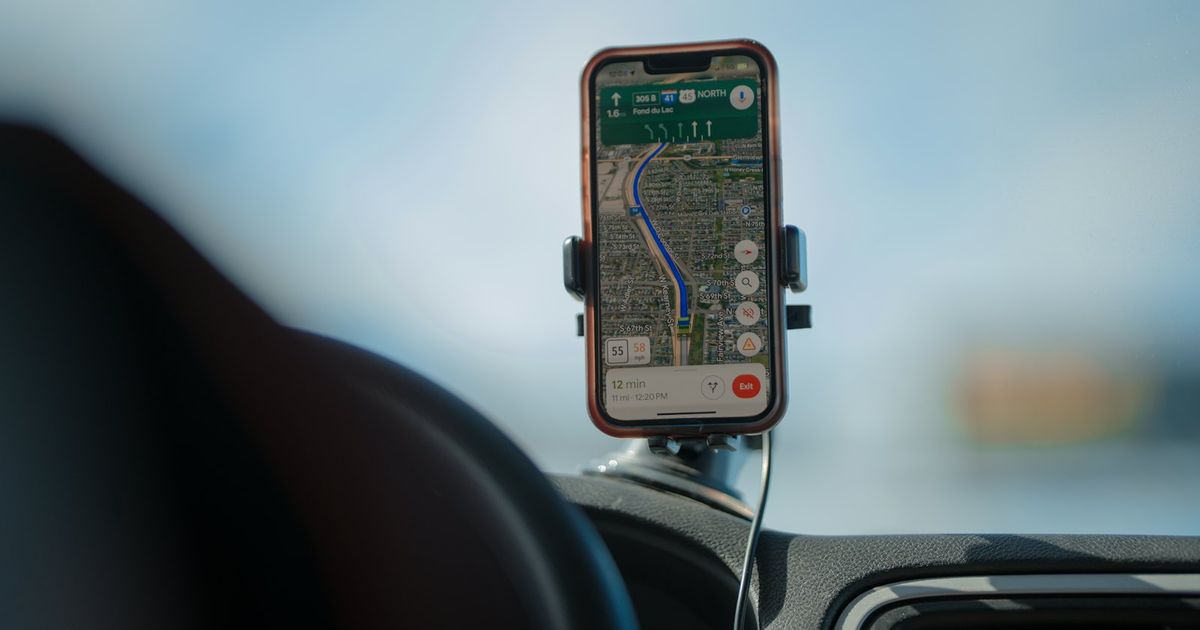
On this page▾
- The 30-second test: does your Mercedes have wired CarPlay?
- Step 1: Confirm your Mercedes has wired CarPlay
- Step 2: Check for factory wireless CarPlay first
- Step 3: Plug in and pair a wireless CarPlay adapter
- Fix 4: When the adapter won't connect in a Mercedes
- Method 5: No CarPlay at all? Add it a different way
- Wireless CarPlay options for a Mercedes, compared
- Frequently Asked Questions
Quick answer
A wireless CarPlay adapter plugs into your Mercedes's USB port and turns factory wired CarPlay into wireless CarPlay. Pairing happens over Bluetooth first, then the screen streams over Wi-Fi. Your Mercedes needs wired CarPlay already built in — without that, no adapter can add CarPlay that was never there.
No wired CarPlay to convert?
A free CarPlay-style screen for the Mercedes that never got it
If your Mercedes has no CarPlay at all, no adapter can add it — but Car Play Connect's Mount Mode turns the iPhone you already own into a CarPlay-style dashboard with maps, a GPS speedometer, driver-mode buttons, and hands-free dialing. Free to download before you spend on hardware that won't help.

Car Play Connect: Auto Sync
4.6·2,735+ ratings·Free


Mercedes added Apple CarPlay to select models years ago, wired only at first. Wireless support came later. Whether your specific car got it still depends on the model, the trim, and the infotainment system installed. That gap is why many Mercedes owners end up shopping for an adapter instead of waiting on a feature their car never got.
The 30-second test: does your Mercedes have wired CarPlay?
Before you buy anything, find out which category your car is in. It takes half a minute, and it saves a return later.
- Wired CarPlay loads with a cable. Plug your iPhone in with a known-good data cable. If CarPlay appears on the dash, an adapter can make that connection wireless.
- Nothing loads with a cable. Your Mercedes was likely built before CarPlay reached that nameplate, or it shipped without the multimedia package that included it. Either way, an adapter can't fix that — skip to Method 5.
- The car already offers wireless CarPlay in its own menu. In that case, you don't need an adapter at all. Pair it directly in Step 2.
Not sure which Mercedes nameplates got CarPlay, and when? The Does Mercedes have Apple CarPlay? guide has the model-year breakdown.
Step 1: Confirm your Mercedes has wired CarPlay
A wireless adapter only converts a connection that already exists. So start by proving it does.
- Grab a known-good USB data cable; the one that shipped with your iPhone is the safest pick.
- Plug it into the car's designated CarPlay port and unlock the phone.
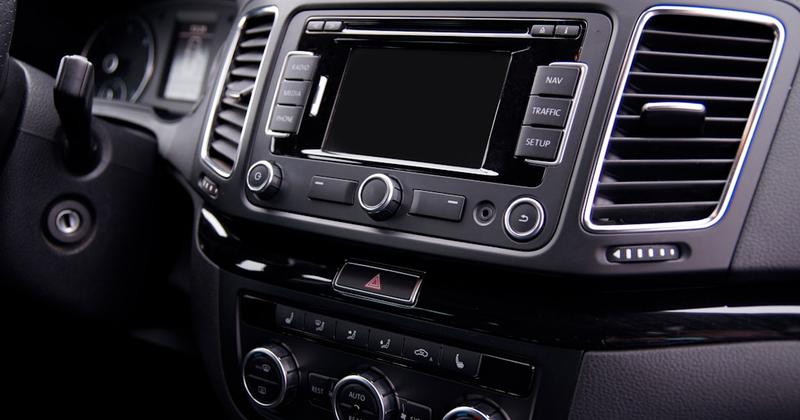
- Watch the dash. CarPlay should load within moments if your Mercedes has wired CarPlay.
- Note which port worked, since many Mercedes models have more than one USB port, and only one carries data.
When this won't work: a data cable never brings up CarPlay in any port. That means the car doesn't have it, and an adapter can't create it. Go to Method 5 instead of buying hardware.
Step 2: Check for factory wireless CarPlay first
Some newer Mercedes models with MBUX already support wireless CarPlay on their own, no dongle required. Buying an adapter for one of these just adds a second thing that can fail.
- Open Settings → General → CarPlay → Available Cars on the iPhone.
- Start the Mercedes and see if it appears in that list without a cable plugged in.
- Tap it and pair if it shows up — that's the whole setup, no adapter needed.
- Check the car's own connectivity or phone-integration menu for a wireless CarPlay toggle if nothing appears. The exact wording varies by MBUX version and model year, so look for anything mentioning CarPlay or phone integration, not a specific label.
When this won't work: no wireless option shows up anywhere, on the phone or the dash, but wired CarPlay passed Step 1. That's your adapter candidate — move to Step 3.
Step 3: Plug in and pair a wireless CarPlay adapter
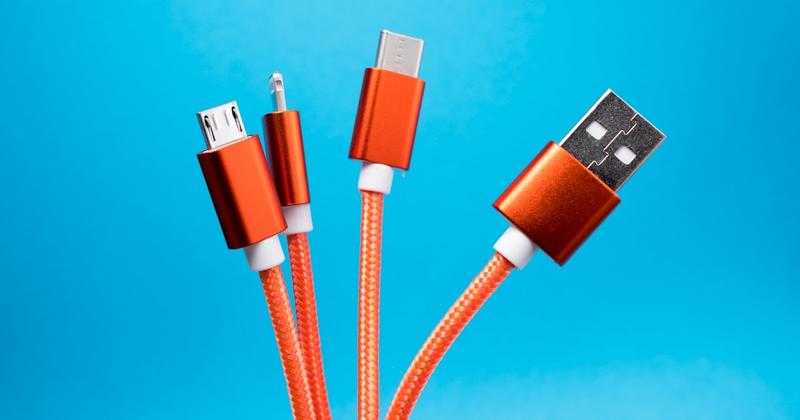
A wireless CarPlay adapter is a small dongle that sits between your iPhone and the car's USB port. Bluetooth handles the first handshake when you start the car. Then the adapter streams the CarPlay screen, touch input, and audio to your phone over Wi-Fi. The head unit never knows the difference — to the car, it's still plain wired CarPlay coming down a cable.
None of the big names market a Mercedes-specific model. Carlinkit, AutoSky, Ottocast, Jemluse, and Aluratek all work the same way: converting any car's factory wired CarPlay to wireless, Mercedes included.
- Plug the adapter into the same USB port that loaded CarPlay in Step 1.
- Give it a moment to power up on the first pairing — how long varies by adapter.
- Open Settings → Bluetooth on the iPhone, and pair with the adapter when its name appears.
- Tap Allow or Use CarPlay on the prompt, and keep Wi-Fi on. The adapter pairs over Bluetooth, then streams over Wi-Fi.
When this won't work: a charge-only port is the usual culprit. Move the adapter to the port that passed Step 1 and try again. No single adapter wins for every Mercedes — our wireless CarPlay adapter ranking compares the current picks, and the Ottocast U2-X Plus review covers whether that specific model is worth it.
Once CarPlay is wireless
Get more onto the screen you just freed up
The adapter drops the cable. Car Play Connect adds car-tuned widgets, a custom startup sound, and synced lyrics on top of the same CarPlay screen. Free to download.
Car Play Connect: Auto Sync
Free
Fix 4: When the adapter won't connect in a Mercedes
Work through these in order if the adapter pairs once and then drops, or never shows up at all.
- Swap the USB port first. A charge-only port gives power but no data, and that alone fixes a lot of dead links.
- Forget and re-pair next. Go to Settings → General → CarPlay on the iPhone. Remove the adapter, then pair again from scratch.
- Update the adapter's firmware too. Most brands push updates through a companion app or a QR code in the manual. Stale firmware is a common cause of drops after an iOS update.
- Turn off Personal Hotspot and confirm Wi-Fi is on. Wireless CarPlay needs the iPhone's Wi-Fi radio free, and an active hotspot competes for the same radio.
When this won't settle it: wired CarPlay also fails with a plain cable. That points to the car or the phone, not the adapter. Our Mercedes CarPlay not working guide covers that deeper troubleshooting.
Method 5: No CarPlay at all? Add it a different way
Stop shopping for adapters if Step 1 proved your Mercedes has no wired CarPlay. None of them can add a connection that was never built into the car.
- Ask a Mercedes dealer, with your VIN, whether a factory CarPlay radio upgrade exists for your specific model and year.
- A car-audio shop can fit an aftermarket CarPlay head unit if not. Apple's own CarPlay page names Alpine, Blaupunkt, Clarion, JVC, Kenwood, Pioneer, and Sony as brands that build CarPlay-ready units.
- Prefer not to touch the dashboard at all? Car Play Connect's Mount Mode turns the iPhone itself into a dashboard, with maps, a GPS speedometer, driver-mode buttons, and hands-free dialing.
The honest limit: a mounted iPhone won't drive the car's built-in display or steering-wheel controls. Still, it's free to download, and it turns any mount into a real driver screen while you decide on a radio.
Wireless CarPlay options for a Mercedes, compared
| Option | Needs factory wired CarPlay? | Cable needed day to day? | Best for |
|---|---|---|---|
| Wired CarPlay (built in) | N/A — this is the starting point | Yes, every drive | A Mercedes that already has it and you don't mind the cable |
| Wireless CarPlay adapter | Yes | No, after the first pairing | Wired CarPlay works, but the car has no built-in wireless option |
| Factory wireless CarPlay | Yes (and already wireless) | No | Newer MBUX models — skip the adapter entirely |
| Aftermarket head unit or Mount Mode | No | Depends on the route | A Mercedes built before CarPlay reached that nameplate |
Prices for adapters and aftermarket installs vary by brand, retailer, and shop labor. Check the current listing or get a quote before you commit, rather than assuming a number here.
Free browser tool
Skip the reading — get a verdict for your exact Mercedes
Pick your model and year and the free picker tells you straight away whether a wireless adapter fits, which USB connector to buy, or whether your Mercedes already has wireless and shouldn't bother.
Open the wireless adapter picker →Frequently Asked Questions
What is a wireless CarPlay adapter?
A wireless CarPlay adapter is a small dongle. It plugs into a car's existing wired CarPlay USB port and converts the connection to wireless, so an iPhone connects over Wi-Fi with no cable. Pairing happens once over Bluetooth, and it reconnects automatically on every drive after that. This only works in a car, including a Mercedes, that already has factory wired CarPlay.
Can I add a wireless CarPlay adapter to my Mercedes?
Yes, if your Mercedes already has wired CarPlay and doesn't already offer wireless CarPlay on its own. Confirm the cable test from Step 1 first. An adapter can't add CarPlay to a Mercedes with none at all; that needs an aftermarket head unit or a mounted iPhone instead.
How does a wireless CarPlay adapter work?
Picture the dongle sitting between your iPhone and the car's USB port. Bluetooth handles the first handshake when you start the car, then the adapter streams the screen, touch input, and audio to your phone over a private Wi-Fi link. Nothing about this changes what the head unit sees.
Is Ottocast worth it for a Mercedes?
Ottocast's adapters work the same in a Mercedes as in any other car with factory wired CarPlay; they don't make or break on the badge. Our Ottocast U2-X Plus review covers the full verdict on fit, setup, and where it falls short, so check that before deciding it's the right one for your Mercedes.
How much does it cost to get CarPlay installed in a Mercedes?
Cost here depends entirely on the route. A wireless adapter is the only cost if your Mercedes already has wired CarPlay, and prices vary by brand and retailer. Adding CarPlay to a Mercedes that never had it costs more: a dealer radio upgrade, or an aftermarket head unit with professional installation. Get a current quote from a dealer or shop rather than assuming one number applies to every model and year.
Can you add CarPlay to a car that didn't come with it?
Yes, in two ways. A car-audio shop can fit an aftermarket CarPlay-ready head unit; Apple's own CarPlay page lists Alpine, Blaupunkt, Clarion, JVC, Kenwood, Pioneer, and Sony as brands that make them. Skip the radio entirely instead, and mount the iPhone itself — Car Play Connect's Mount Mode turns it into a CarPlay-style dashboard with no install at all.
Whichever way CarPlay ends up on your Mercedes's screen, you can still do more with it. Car Play Connect adds car-tuned widgets, a custom startup sound, and synced lyrics on top, whether CarPlay arrived factory-installed, through an adapter, or through Mount Mode. For the broader buyer's guide, see how a wireless CarPlay adapter works. For hardware details straight from the source, read Apple's CarPlay overview and the official CarPlay-compatible vehicle list.